
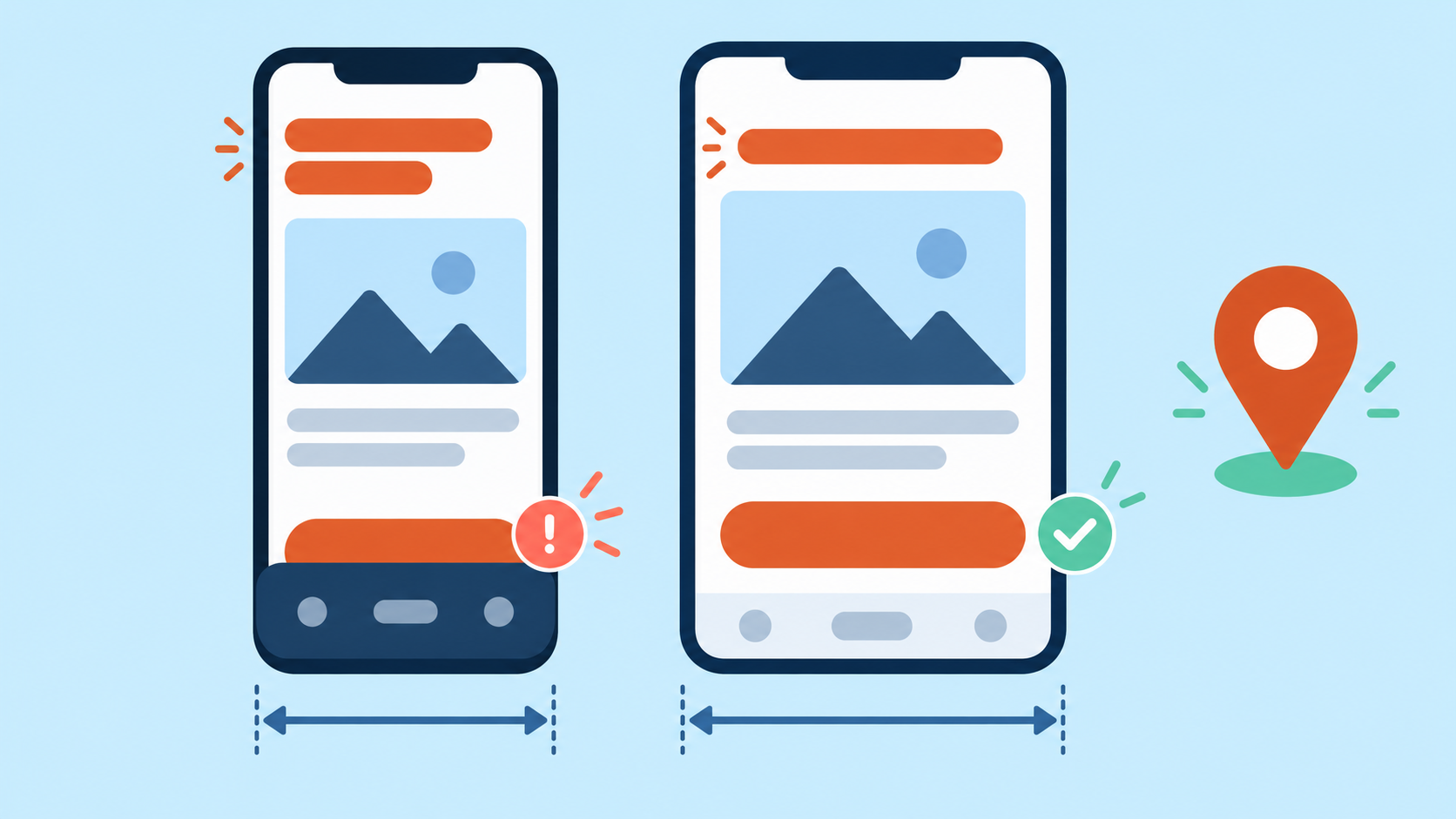
A regional landing page can show the right language and product yet hide its main button below a fixed banner. Desktop screenshots miss this defect. For authorized international website QA, combine the required residential network viewpoint with a controlled mobile layout test, then verify an actual harmless interaction.
Define the page and the action
Choose an owned staging page and a non-destructive action, such as opening product details or validating an empty test form. List the intended region, explicit language URL, required content and visible outcome. Do not click live advertisements, submit real leads or create orders. A translated button must perform the same documented task, not merely resemble the desktop version.
Build a small region and width matrix
- Use two required regional routes and separate clean browser contexts. Keep account fixture, consent choice, app build and browser version fixed.
- For each route, test a narrow supported mobile width, a wider mobile width and the widths immediately around the application's documented breakpoint. Use the real CSS breakpoint, not a universal number.
- Test a short label and the longest supported localized label at the same width. Language length is a layout variable, separate from IP region.
- Record viewport, device profile, pixel ratio, touch setting, language and observed exit region. Resizing a viewport alone does not reproduce every mobile behavior.
Check content and control reachability
Wait for the application's declared ready state and verify the required font, image and localized content actually loaded. If an asset fails, classify the network or browser-policy error first; a fallback font can change wrapping and produce a misleading layout comparison.
- Inspect horizontal overflow, clipped labels, stacked cards and the reading order. Capture both the initial view and the main action after normal scrolling.
- Check fixed headers, consent panels and sticky footers for overlap. The action must be reachable without hiding essential terms or relying on an artificial click through an overlay.
- Open and close navigation, exercise the harmless action, and verify the expected visible state. Include keyboard focus on supported flows; visual presence does not prove a control works.
For an owned test form, open the on-screen keyboard on a real device and inspect the visible input, validation message and action. Desktop emulation cannot by itself certify this behavior. Capture the actual failing device/browser combination before making a broad mobile compatibility claim.
Locate the responsible variable
If all regions fail at the same width, inspect the shared layout. If only a longer localized label fails, inspect wrapping and minimum sizes. If one region fails even with the same label and width, compare the delivered component version, asset availability and regional banner. Keep these comparisons controlled instead of simultaneously changing region, language and device.
After a fix, rerun the failing row and one neighboring width. Verify content and interaction as well as the screenshot. Do not suppress a required consent panel merely to pass the test; correct its layout within the product's approved behavior.
Use 98IP for the network viewpoint
Use 98IP dynamic residential proxies when authorized QA needs residential regional access. Select available account settings and connect using the operation guides. The proxy supplies a route; browser viewport, locale and device settings must be configured independently.
Verify actual account options and observed exit. No particular city, session duration, real-device equivalence or successful layout result is promised here. Pause on access denial or rate limits rather than switching IPs to evade them.
Acceptance checklist and FAQ
- Required localized content is present, no unintended overflow hides controls, and necessary disclosures remain readable.
- The main harmless action works at each supported matrix row, with no overlay obstructing interaction.
- Emulated and real-device evidence are labeled separately; reports contain sanitized page state without credentials or customer data.
Does a mobile user agent prove mobile layout? No. Verify viewport and relevant device settings, then inspect the actual page.
Is one full-page screenshot enough? No. Check the initial viewport, scrolling, overlays and interaction.
Can the proxy set the site's language automatically? Do not assume so. Use the application's explicit language and regional selection rules.
Use only owned or authorized pages and disposable test accounts. Respect access rules and data protection. This is a test plan, not a measured 98IP benchmark or a full accessibility certification.
Related Recommendations
- Signed Download URL Returns 403 Through a Proxy? Check These Boundaries
- How to Normalize IPv4-Mapped IPv6 Addresses in Proxy Logs
- Residential Proxy Market Research: Build a Comparable Observation Matrix
- How to Test Proxy IP Reputation Before Production
- How to Test Regional Cookie Consent Banners with Residential Proxies
- How to change the IP address of a computer: It is actually very simple to follow these steps
- Wrong Download Filename Through a Regional Proxy? Compare Three Naming Stages
- HTTP425 Through a Proxy: Check Early Data Before Rotating the Exit
- HTTP204 Through a Proxy, Then a JSON Error? Check Decoder Dispatch
- Proxy Idle Timeout and Keep-Alive Test: Prevent Stale Connection Failures