
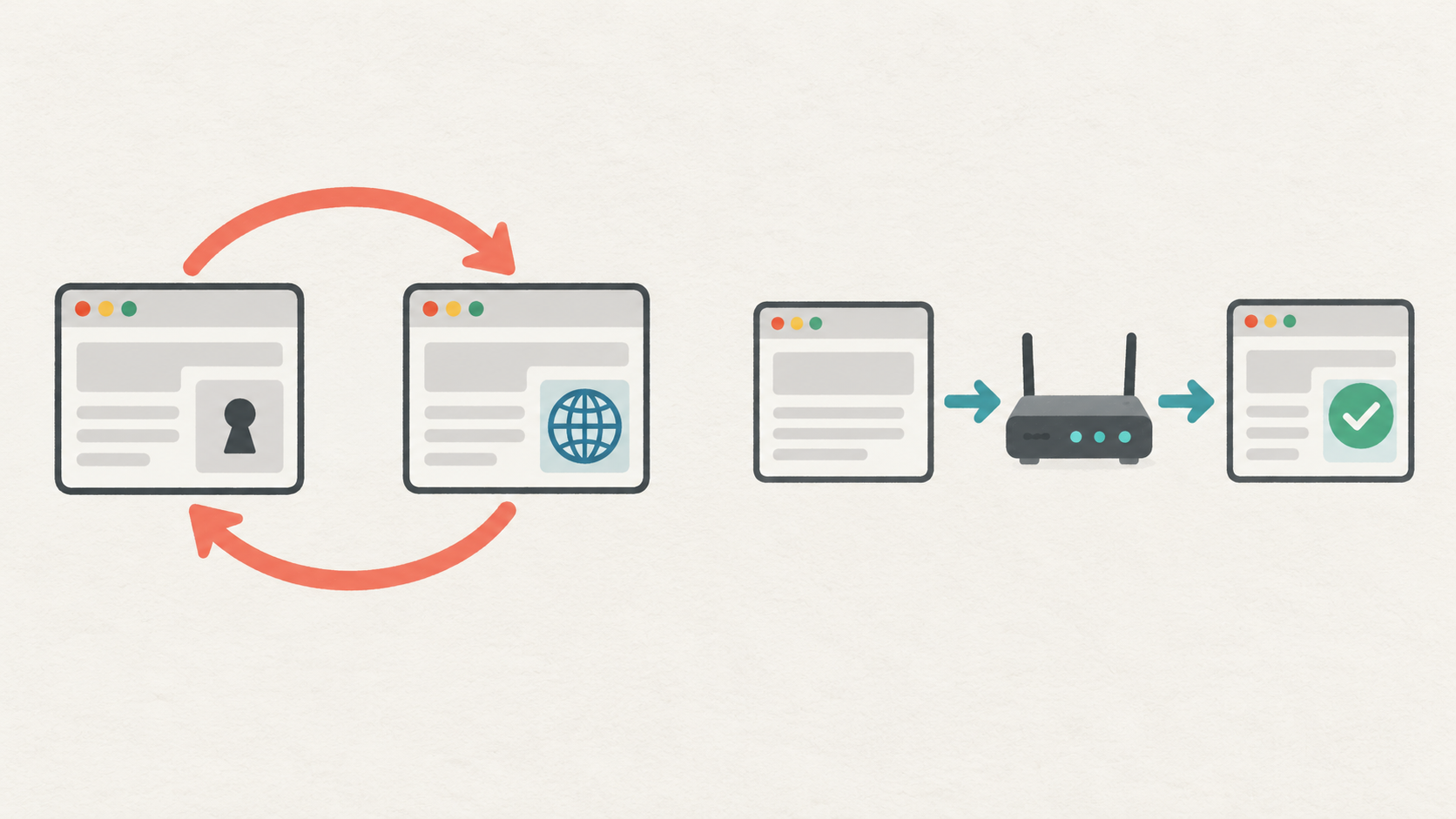
A proxy redirect loop can look like a network failure: the browser keeps returning to sign-in, alternates between regional pages, or stops with “too many redirects.” Buying more traffic or switching exits immediately can erase the evidence. First identify which component sends each navigation and which condition changes between requests.
1. Confirm that the problem is a redirect
Open the browser network panel, preserve the request log, then perform one authorized page load. Record each navigation's response status and Location destination when present. HTTP redirects normally use a redirect status and Location; a page may also navigate using script or HTML refresh. A 200 response followed by a new navigation therefore needs a different investigation from an HTTP redirect chain.
A proxy authentication failure is not the same as a website login loop. If the response is 407, check proxy credentials or access authorization first. If the connection fails before a response arrives, investigate the connection, DNS or TLS stage rather than guessing a redirect rule.
2. Run four controlled comparisons
- Direct connection, clean browser profile: use a dedicated test profile with no prior cookies and document the starting page, explicit market selector and language.
- Proxy connection, clean profile: use a separate clean profile with the same application settings. Select one available market and hold the proxy configuration constant for the short test.
- Same proxy configuration, existing test session: repeat with the dedicated profile that reproduces the issue. Change nothing else. Use synthetic accounts on an authorized staging site where possible.
- Same proxy, explicit site market: start another clean test and select the market through the site's supported control. Do not manipulate payment or identity data to force a different region.
Keep exit identity stable during a comparison where the service allows it, and record the observed exit using an authorized diagnostic endpoint. A sticky-session setting is not a guarantee that an address can never change. If it changes during a run, mark that run inconclusive instead of combining its results with a stable run.
3. Build an evidence table
For every hop record run ID, hop number, request method, sanitized path, response status, sanitized destination, selected market, whether a test-session cookie was sent, and observed exit-change status. Record cookie presence rather than secret values. Remove tokens, personal identifiers and sensitive query parameters before sharing diagnostics.
An illustrative chain is: market page → sign-in → market page → sign-in. That pattern alone does not prove the proxy caused it. Determine whether the site is repeatedly rejecting session state, choosing a market incompatible with an explicit preference, or applying conflicting host or scheme rules.
4. Interpret the comparison without overclaiming
- Both direct and proxy clean runs loop: prioritize application redirects, canonical host rules and the test fixture. A proxy replacement is not the first supported conclusion.
- Only the existing test session loops: compare that profile's cookies and saved site preferences. Recreate the dedicated test session; do not erase a user's unrelated browser data.
- Only the proxy clean run loops: confirm the observed market and inspect the target's handling of that request. Review the site's region rules with its owner; a region mismatch is a hypothesis, not a diagnosis.
- The explicit-market run resolves the loop: examine which signal the site prioritizes. IP country, language preference and a selected market are different inputs.
5. Stop runaway tests and verify the fix
Set a small navigation or redirect cap and an overall deadline before testing. Five hops can be a useful initial diagnostic cap for a simple fixture, but it is not a universal website limit. Do not retry the whole loop indefinitely. curl or another HTTP client can inspect HTTP navigation, but it cannot reproduce browser script navigation, storage and every login flow.
After a change, repeat the original failing fixture and its direct control. Confirm the expected final page, preserved market selection, bounded hop count and correct authorized session behavior. Retain sanitized evidence and the configuration revision. Do not use exit rotation to evade access denials or rate limits.
Choosing an appropriate 98IP test setup
For comparisons across available countries, review 98IP dynamic residential proxy options and verify actual location and session behavior before testing. If the application requires a persistent fixed exit, evaluate static residential IP availability and terms instead of treating a rotating product as permanently fixed. 98IP states that its IP products are for use in overseas network environments; confirm that your environment is eligible. Product availability does not guarantee a target website will accept a request.
FAQ and final checklist
Should I increase the redirect limit? Only when the observed chain is legitimate and finite. A larger limit hides a cycle rather than fixing its cause.
Does clearing cookies prove an IP problem? No. It changes application state. The direct and proxy clean-profile controls are needed to separate those factors.
What should I send support? A sanitized hop table, client version, requested market, time window, whether exit identity changed, and the smallest reproducible authorized fixture. Never send passwords, session tokens or a raw sensitive HAR file.
Before closing the incident: verify the final page, session behavior, market, redirect cap and repeatability. Use the 98IP operation guides for related configuration checks. Only test systems you own or are authorized to assess, respect access rules, and minimize retained data.
Related Recommendations
- How to detect unexpected direct fallback after agent failure
- How to Detect Stale Cached Responses in Proxy Data Collection
- Diagnose Truncated Web-Scraping Responses Before Blaming the Proxy
- Residential Proxy Evaluation Checklist: 7 Tests to Run Before You Buy
- Proxy Client Ephemeral Port Exhaustion: Diagnose Failures and Plan Capacity
- How to Prevent Clock Skew from Corrupting Proxy Latency and Session Metrics
- How to Test Negative DNS Cache Recovery in Proxy Clients
- CSRF Error Through a Proxy? Check Form and Session Continuity
- SPA Link Works in the Menu but Fails on Reload? Test Regional Deep-Link Entry
- How to verify the location accuracy of residential agents before expanding traffic