
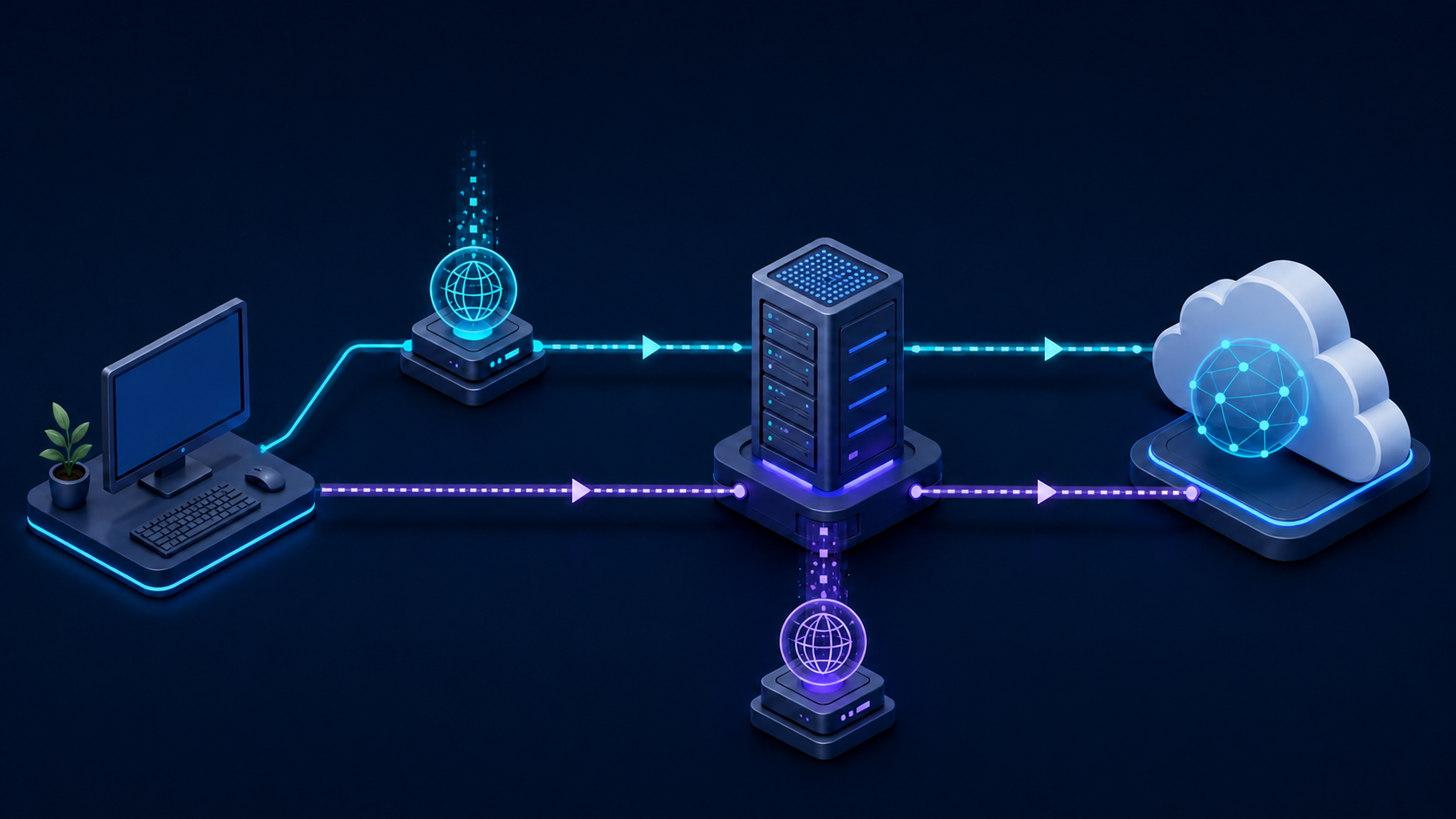
Two proxy URLs can point to the same SOCKS5 server and still produce different results. The difference is often DNS. With a local-resolution configuration, the client resolves the destination hostname before contacting the proxy. With remote DNS, the client sends the hostname through the SOCKS connection and the proxy resolves it near the proxy exit.
That choice affects privacy, geography, split-horizon DNS, blocked domains, and whether a test actually represents the proxy location.
The practical difference
In curl, socks5 uses local hostname resolution, while socks5h asks the proxy to resolve the hostname. The h is easy to overlook, but it changes where DNS traffic occurs.
# Local DNS resolution
curl --proxy "socks5://$PROXY_HOST:$PROXY_PORT" https://en.98ip.com/

# Proxy-side remote DNS resolution
curl --proxy "socks5h://$PROXY_HOST:$PROXY_PORT" https://en.98ip.com/
Credentials should be supplied through protected variables or a dedicated proxy-user option. Do not save working passwords in scripts, shell history, screenshots, or tickets.
When local DNS is useful
Local resolution can be appropriate when the client must use an internal DNS zone, a local hosts file, or a corporate resolver. It can also make troubleshooting easier because the resolved address is visible before the proxy connection begins.
However, local DNS may reveal destination hostnames to the client's configured resolver. It can also select an address optimized for the client's geography instead of the proxy exit. If that address is unreachable or behaves differently from the exit region, the proxy test can fail even though the proxy itself is healthy.
When remote DNS is preferable
Remote DNS is usually the better match for location-sensitive testing. The proxy resolves the hostname from its network context, which reduces local DNS exposure and makes content-routing behavior more representative of the exit location.
Remote DNS does not make all traffic private by itself. The destination, proxy provider, browser features, encrypted DNS configuration, and application telemetry may still reveal information. Treat it as one routing control, not a complete anonymity guarantee.
Common symptoms of a DNS-path mistake
- The request works with an IP address but fails with a hostname.
- Local and CI runs reach different destination addresses.
- A proxy in one region receives content associated with the client region.
- The hostname resolves locally to a private or unreachable address.
- Only some workers fail because their DNS configuration differs.
- A browser succeeds while a command-line client fails, or the reverse.
A safe diagnostic sequence
1. Establish a direct baseline
Record the expected hostname, status, latency, and content region without a proxy. Do not use sensitive production targets for diagnostics.
2. Test the SOCKS connection with local DNS
Use one proxy endpoint, one hostname, and no rotation. Record the curl exit code, connection timing, and HTTP status.
3. Repeat with remote DNS
Change only socks5 to socks5h. If the result changes, the DNS path is a strong candidate. Do not simultaneously change credentials, region, retries, or headers.
4. Compare resolution safely
Record only non-sensitive hostnames and resolved address families. Check whether local DNS returns IPv4, IPv6, a private address, or an address mapped to a different region. Do not publish internal DNS names.
5. Confirm application behavior
Libraries do not all use identical proxy syntax. Python Requests follows the same practical distinction between socks5 and proxy-side hostname resolution, while browser automation frameworks may expose SOCKS support through their own proxy configuration. Verify the official documentation for the exact client version in use.
IPv4 and IPv6 considerations
Local and remote resolvers may return different address families. A client with working IPv6 can succeed locally while a proxy exit without the same route fails, or the reverse. Capture whether the chosen address is IPv4 or IPv6, and test each family deliberately when the application permits it.
Avoid assuming that a DNS failure is a proxy authentication failure. Authentication errors, name-resolution errors, connection refusals, TLS errors, and destination HTTP statuses belong to different layers.
Automation checklist
- Choose local or remote DNS intentionally; never rely on an undocumented default.
- Keep proxy credentials outside source control.
- Use the same proxy scheme across development, CI, and production.
- Log the resolution mode without logging credentials.
- Test one hostname before enabling rotation and concurrency.
- Confirm the exit region and content region separately.
- Check IPv4 and IPv6 behavior.
- Review browser DNS, encrypted DNS, WebRTC, and service-worker behavior when browser privacy matters.
- Follow applicable laws, destination terms, and data-handling requirements.
FAQ
Does socks5h encrypt DNS?
It sends the hostname to the SOCKS proxy for resolution instead of resolving it locally. The security of the path and resolver then depends on the proxy connection and provider infrastructure; it is not a universal encrypted-DNS guarantee.
Why does an IP address work when the hostname fails?
Using an IP bypasses hostname resolution. The resolver may be returning an unreachable address, a private address, the wrong address family, or a geography-specific endpoint.
Should every proxy test use remote DNS?
No. Use remote DNS for exit-location realism and reduced local DNS exposure. Use local DNS when internal zones or client-side overrides are required. Document the choice so results are reproducible.
For controlled regional proxy testing, review the available configuration and support information on 98IP. Validate DNS mode before comparing speed, success rate, or geographic accuracy.
Research basis: curl proxy option documentation; Requests SOCKS proxy documentation; Playwright network proxy documentation. Source names are listed without external links.
Related Recommendations
- Proxy 304 Responses: Reuse the Right Local Copy, Not an Empty Body
- Proxy Geolocation Consensus Test: Validate Country, Region and Usability
- Signed Download URL Returns 403 Through a Proxy? Check These Boundaries
- How to set up an HTTP proxy server on iPhone or iPad
- How to Test OpenSSL Provider Lifetime in Pooled libcurl Connections
- How to Decompose Proxy Latency Before You Buy a Faster Plan
- How to Audit Proxy Bandwidth Billing Before Buying More Traffic
- How to Test Request Cancellation Through a Proxy Without Leaving Orphan Traffic
- Proxy Bandwidth Cost Estimation: Budget by Useful Results, Not Price per GB
- How to Test Encrypted Client Hello Through a Proxy