
A regional test downloads the right document but saves a broken or unexpected filename. HTTP 200 alone cannot explain where the name changed. Keep three observations separate: the final response's suggestion, the name selected by the page's download mechanism, and the actual local filename.
This workflow is for authorized website QA and customer download acceptance. It does not report a completed browser experiment or guarantee identical behavior across browsers. Use a small harmless file owned by your team, never a customer's private export.
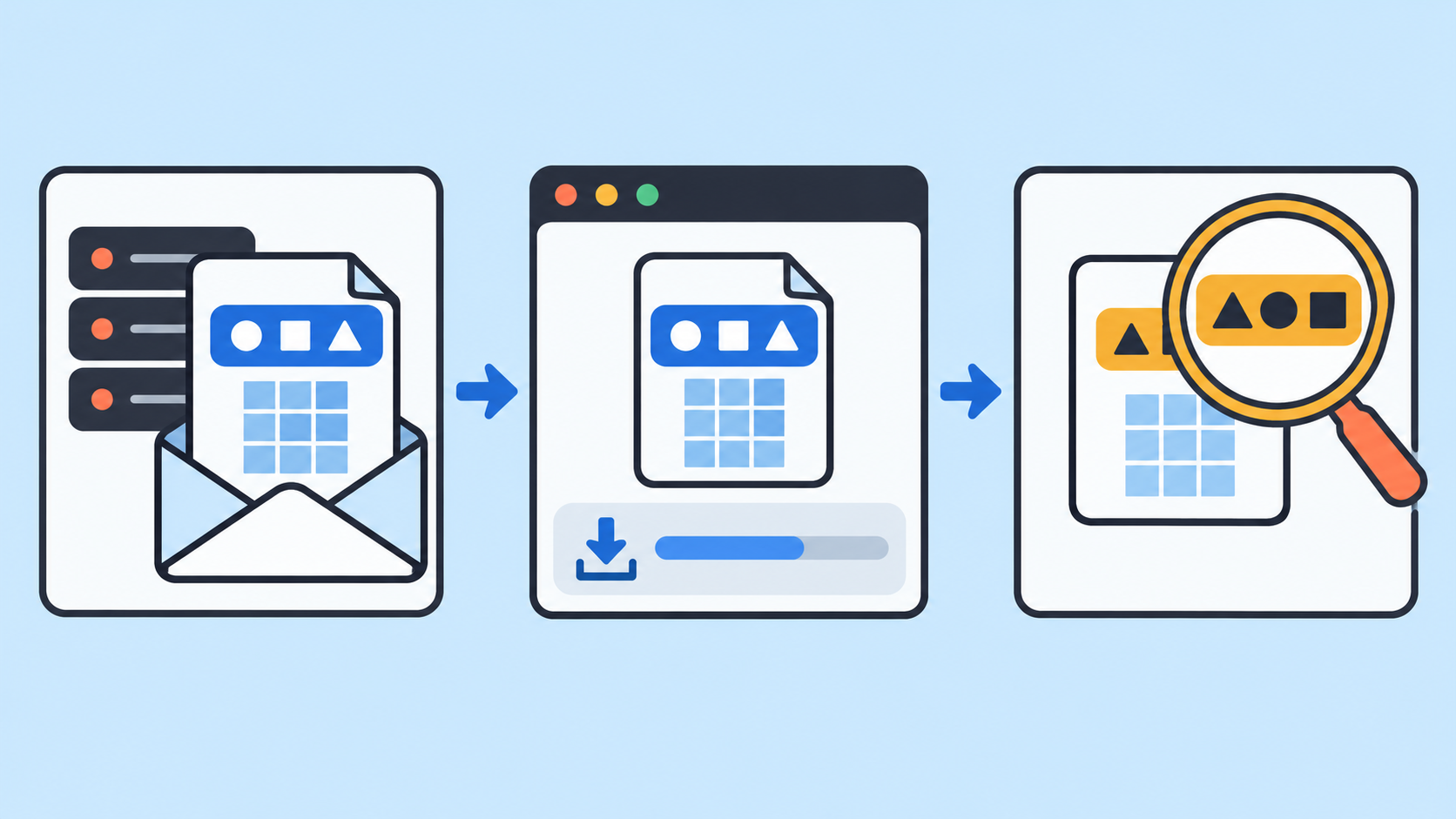
1. Define the filename contract before testing regions
Write down the expected document identity, language, basename, extension and permitted local adjustments. A French document and an English document may intentionally have different names. Define whether the product promises a localized name or one stable ASCII name; do not infer that promise from the tester's preference.
Prepare three owned fixtures: a simple ASCII name, a localized name containing non-ASCII characters, and a localized name containing a space. Give each file a stable internal ID and a known small payload. Use a fresh empty destination folder for each case so an existing download does not introduce a collision suffix.
2. Freeze the browser context and vary the route separately
- Record browser version, operating system, interface language, page language, account locale, download preferences and destination folder policy.
- Run an approved baseline route and one proxy route with equivalent fresh application state. Keep locale settings fixed when evaluating the route.
- Then vary the page locale in a separate comparison. Record the selected file ID so a different regional asset is not mistaken for a renamed copy.
- Repeat only a small agreed number of cases. A changed result warrants investigation; one paired run does not prove causation.
The 98IP dynamic residential IP product page helps identify the product used for the route comparison. Check current account options before selecting a location. A proxy route does not set the operating system language, enforce the page's naming rules or guarantee which browser download behavior applies. Use the API configuration documentation when checking your documented connection setup.
3. Capture the final response suggestion
In the browser network tools, identify the request that actually returns the file. Keep a redacted redirect chain and record final status, media type and the exact Content-Disposition value. A redirect's name is not automatically the final response's name. Check the received file identity as well: an HTML sign-in page saved with a document extension is a content failure, not just a naming problem.
Content-Disposition can suggest inline display or an attachment name. Its filename* parameter supports encoded names; clients understanding both filename* and filename generally prefer filename*. Preserve the raw header alongside the interpreted name. Do not percent-decode the complete header as one string or repair an ambiguous value silently.
If the final header is absent, record that fact. Do not invent a header value from the URL or from the name shown in the download list. Those are separate observations.
4. Identify how the page initiates the download
Record whether the user clicks an ordinary link, a link using download, or a button that fetches data and constructs a blob. Inspect the actual element and relevant application naming logic in your owned build. A blob workflow may select a name in JavaScript after the server response, so inspecting only the earlier request misses that decision.
The download attribute is not a universal instruction for arbitrary cross-origin links. Header suggestions, supported link behavior, browser settings and filesystem constraints can affect the final outcome. Do not assume a name written in HTML is necessarily the one saved locally.
Keep the native download observation separate from what application JavaScript can read. If script cannot access a response header, that alone does not show that the browser never received it. Investigate the application's permitted response-header exposure without disabling browser protections.
5. Compare the local result with its own evidence
Record the initial suggested name before user editing, whether a save prompt appeared, and the exact name saved in the fresh folder. Display extensions during inspection. Copy the name as data rather than retyping it from a screenshot. For visually identical names, inspect code points when exact matching is a product requirement; an appearance match is not always a string match.
Check the small fixture's known content or hash independently. A correct name does not establish correct bytes, and correct bytes do not establish a usable localized name. Never open an unexpected executable merely to complete this check. Keep any safety-related path finding in a separate issue from this user-facing filename acceptance test.
6. Assign the failure to the earliest observed divergence
- Wrong final response suggestion: compare regional application or delivery configuration using the same fixture ID. Preserve both raw responses before assigning a cause.
- Correct response but different application-selected name: inspect the link or blob naming branch and account locale.
- Correct suggestion but a different local name: check user editing, existing-file collisions, browser preferences and filesystem adjustments in the declared environment.
- Identical naming evidence but different file content: open a content delivery issue; do not mark the test passed because the filename matches.
For example, if the empty-folder run matches the contract but a reused folder adds a suffix, classify the difference under the local collision condition. If a proxy run differs while the account locale also changed, the pair is confounded: repeat with the locale fixed before blaming the route.
FAQ and a release checklist
Must every browser save exactly the same string? Only if that is a supported, tested product contract. State permitted adjustments and the browser/OS matrix explicitly. Do not claim universal compatibility from one environment.
Does a successful command-line download validate the browser name? No. It can help inspect an HTTP response, but its output naming rules and user interface are a different client path.
- The fixture ID, expected language and naming contract are recorded.
- Route and locale comparisons change one planned factor at a time.
- Final header, page-selected name and local name have separate evidence.
- Payload identity and extension are checked independently.
- Every exception includes its browser, OS, cause evidence and owner.
Before release, rehearse on an owned staging build by removing a naming header, changing the blob name and pre-creating a same-name file. Confirm the report locates each divergence rather than labeling all three as proxy failures. These are proposed exercises, not executed results. Limit request volume, keep normal security settings, redact signed URLs and credentials, and retain only the evidence needed by authorized reviewers.
Related Recommendations
- Mobile version free domestic IP agent
- Translated Page, Stale HTML Language? Test lang Across Regional Routes
- Changed Proxy Region but Still See Old Content? Test Service Worker Caches
- Regional Proxy Image Checks: Validate the Asset the Browser Actually Selected
- Proxy 429 Rate-Limit Handling: Respectful Recovery Without Wasting Requests
- Regional Proxy Time Zone Testing: Prevent Wrong Dates and Deadlines
- Detect Proxy Response Schema Drift Before It Corrupts Your Dataset
- How to Detect Residential Proxy Session Collisions Before Production
- How to Run a Proxy Failover Drill Before Production Traffic Depends on It
- How to set up a computer to access the Internet with dynamic IP? What is the use of dynamic proxy IP?