
Two product filters are visibly selected in a regional browser, but only one reaches the search service. Another run clears both boxes yet keeps the previous filter. Before treating the product differences as regional inventory or a proxy fault, verify what the form actually submits. This guide uses authorized synthetic product-search fixtures, not live consent settings or a report of measured 98IP results.
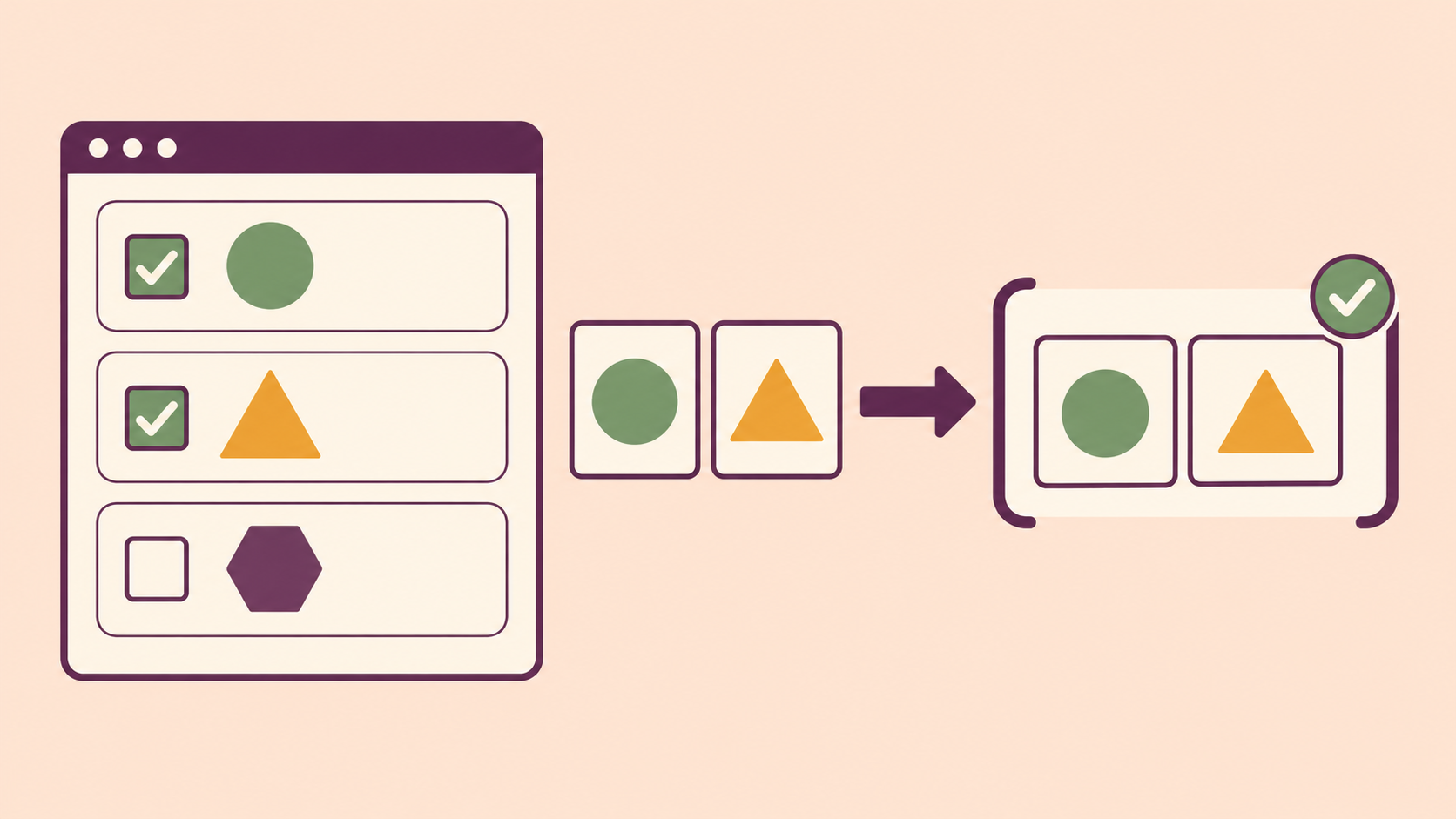
1. Define filter semantics independently
Ask the owner for stable filter keys, option values, AND/OR rules, the meaning of no selection, and an independent expected product-ID set. Fix catalog version, market, language, account state and product availability for the experiment. Equal result counts are not enough: different product sets can have the same size.
Use two synthetic options under one multi-value key, such as material with values cotton and wool, plus an unavailable control. Define whether an empty selection means no restriction, an empty result or a validation error. Do not assume an absent key means false, and do not import the meaning of an update API into a search API. Custom JSON submissions must follow their own documented contract.
2. Observe current state rather than default markup
For native checkboxes, the checked property reflects current state; the checked content attribute describes the default. An unchecked native checkbox is omitted from ordinary form submission. A missing explicit value can submit on when checked, so inspect name and value as well as the visible label.
Native FormData construction excludes disabled controls. Also record form association and the point when the snapshot is taken: disabling a field before collection can remove a selected value. An indeterminate visual state does not create a third submission value; inspect the underlying checked state. For a custom checkbox, examine its backing model and form integration rather than assuming the appearance is a native control.
3. Test four selections through the real path
- Prepare an owned staging search page and synthetic catalog with the owner's expected IDs. Use harmless read-only actions, no order creation or consent changes.
- Run none selected, cotton only, wool only and both selected from known initial states. Select and clear through the supported mouse or keyboard action, wait for the application-defined state commitment, then submit normally.
- At submission, record current checked states, enabled state, application model and all entries in the constructed FormData or JSON payload. Do not replace the normal serializer with a hand-built request for this UI test.
- Capture the encoded request and the receiver's decoded multi-value list using non-secret attempt IDs. Compare all values and duplicate handling under the owner's contract, not merely the first key occurrence.
- Check the independently expected product IDs and the visible selected-filter chips. If ordering is not part of the contract, compare sets without silently losing duplicate diagnostics.
- Repeat the matrix through a selected regional proxy, holding browser, fixture and session fixed. Change market or locale only in separate cases, and verify actual egress.
Add a clear-after-both case to expose retained application state. If the site uses a select-all parent, separately verify the mixed child state. Reset the fixture between independent cases; a reset that changes only the visual boxes can leave a stale model and is not a clean starting point.
4. Preserve multi-value data at every boundary
FormData.getAll retrieves all values for one key. Inspect repeated entries before converting to a plain object: a representation that keeps just one value per key can silently drop a selection. Define a deliberate list representation when the receiving API expects JSON arrays. Do not infer array conventions from a field-name suffix without the server's contract.
If the owner uses a hidden fallback to represent an unchecked value, test the checked case too: the fallback and checkbox may both contribute values. The receiver must apply its specified rule rather than accidentally taking the first or last one. Do not add fallbacks globally, since an omitted search filter can have different semantics from an explicit false value.
- Visual selection differs from current property or model: inspect control binding and commitment.
- Model has both options but constructed payload has one: inspect list collection and object conversion.
- Payload has both but receiver keeps one: inspect repeated-key or array parsing with the owner.
- Decoded filters match but product IDs differ: investigate fixture version, market and search semantics separately.
- Clear removes payload entries but old results remain: inspect state reset and acknowledgement, not just checkbox styling.
5. Repair and verify within authorized scope
On an owned application, correct the first observed mismatch, then rerun all four selections, clear-after-both and the unavailable control. Check that disabling controls during a loading state does not change the collected filters. Keep server-side validation for unsupported options; UI visibility is not authorization to request arbitrary data.
For permitted third-party market research, record the actual selections and evidence without altering their controls, forcing unsupported filter values or changing consent choices. If the request or receiver is unobservable, state that limitation. Do not turn a synthetic result into claims about real customer preferences, search volume or regional sales.
6. Use 98IP for a controlled regional comparison
When authorized testing needs a regional route, review the 98IP residential proxy product page and follow the configuration documentation and account-supported settings. Hold route and session stable while changing one selection, and record actual egress.
A proxy does not select the boxes, fix a lossy serializer or guarantee regional catalog equivalence. An ordinary non-intercepting HTTPS proxy cannot edit the encrypted filter payload. Limit requests and traffic, check account usage and keep passwords, cookies and customer records out of traces. This guide promises no tested speed, compatibility or billing outcome.
- Filter keys, option values, no-selection meaning and AND/OR rules are explicit.
- Current properties and model state are separate from default markup.
- All selected values survive collection, encoding and receiver parsing.
- None, each single, both and clear-after-both match independent product IDs.
- Disabled and mixed-state controls follow the documented form behavior.
- Route, catalog and session are controlled; unobserved boundaries stay unknown.
Does an unchecked box send false? Native submission omits it; the application's explicit serializer or fallback may define another behavior.
Can I trust the filter chips alone? No. Compare current state, transmitted values and the expected product-ID set.
Will another exit restore a missing value? It does not repair list serialization. Locate the first boundary that loses the selection.
Related Recommendations
- How to Test Residential Proxy ASN Targeting Before You Buy
- How to Run a 7-Day Residential Proxy Purchase Pilot
- How to Test Localized Checkout with Residential Proxies
- How to Choose and Test a Residential Proxy Rotation Interval
- Regional Proxy Webfont Tests: Check the Rendered Face, Glyphs and Fallback Layout
- Proxy Bandwidth Cost Benchmark: Measure the Price of Useful Data
- How to Audit Proxy Bypass and PAC Rules in Browser Automation
- How to Test a Proxy Client Circuit Breaker Without Stopping Healthy Markets
- How to Test SOCKS5 UDP ASSOCIATE Before Buying a Proxy Plan
- 415 Through a Proxy? Match the Request Type to Its Actual Body