
An upload fails, the user picks the same file again, and nothing appears to happen. Before blaming the proxy, determine whether the browser changed its selection, whether the application retained the intended file and whether a new request was actually created. A filename displayed on screen does not prove any of those steps.
This guide proposes a small test on an owned or explicitly authorized upload form. Use harmless synthetic files and a staging receiver without customer-data or business side effects. No browser or proxy compatibility result is claimed here.
1. Define selection, retry and clear separately
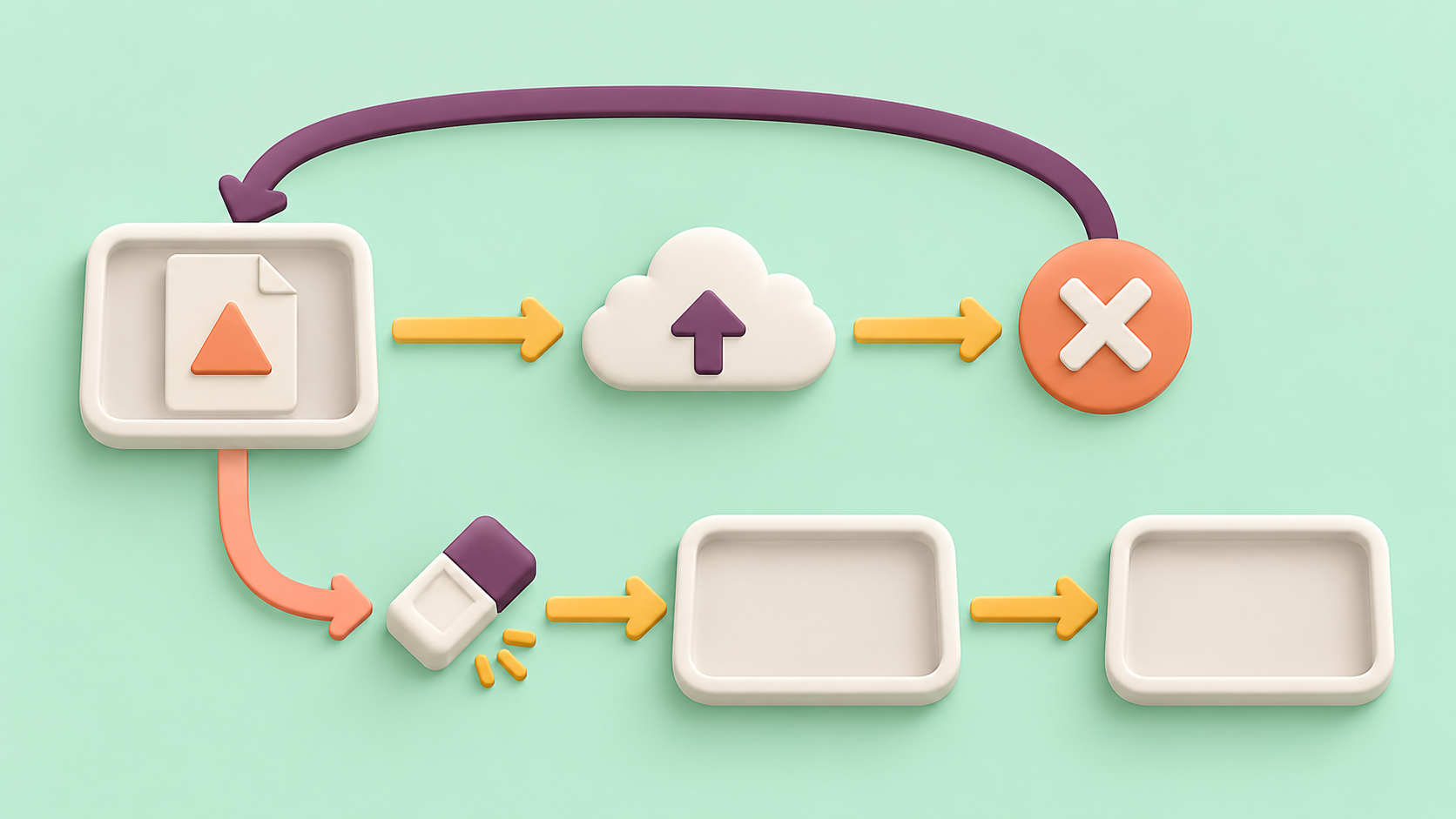
Write the intended state transitions before testing: no file, selected file, upload in progress, confirmed rejection, retry-ready state and cleared state. Specify whether the application retains the file after a known rejection, or requires an explicit new selection.
MDN documents that cancel can fire when the picker closes without a changed selection, including reselecting previously selected files. Its accept attribute is a picker hint, not file validation. Do not assume that selecting the same file always produces a new change event, or that a permitted filename proves server acceptance.
Retry is an application action, not necessarily a new selection event. A design that retains the selected file can expose a clear retry action. A design that clears it must make the empty state truthful and allow a fresh selection. Either needs an explicit contract rather than an invisible dependence on a repeated change event.
2. Build distinguishable safe fixtures
- Create a small valid file A with a harmless marker and record its byte count and digest.
- Create file B with a different marker, keeping it valid under the target's file policy.
- Optionally prepare a same-name, different-content copy in a separate test location to expose filename-only state tracking.
- Record which selection and preview the user should see for each case.
- Provide a controlled staging response that rejects A with a known final outcome before creating an accepted object.
Use a read-only diagnostic record of input files, application-selected file metadata, preview identity, button state and request case ID. Avoid logging real local paths or contents. A digest of a tiny synthetic fixture can distinguish content, but hashing arbitrary customer files is outside this test.
3. Establish a first-selection control
Open the ordinary picker through the application's user control and choose A. Verify that the application's selected file and preview correspond to A, then submit once. Correlate the outbound request and the staging receiver's marker.
Require the controlled rejection and verify no accepted object or business side effect remains. A disconnected response with an unknown server outcome is not this fixture: resolve it using the receiver's receipt or readback rules before testing another write.
If automation directly assigns files, label that case as an application-state test. It does not reproduce every native picker interaction, especially cancellation. Keep at least one actual picker flow in the acceptance run on each supported browser and operating-system combination being claimed.
4. Reselect the same file without hiding state
From the confirmed rejection state, reopen the picker and choose A again. Record the observed event sequence and actual selection; do not fail solely because no new change event occurs. Evaluate whether the documented retry or reselection path lets the user continue with A.
Activate the declared retry action once. Verify a single new case reaches the receiver with A's marker and the expected final state. A spinning indicator without a request is a client continuation problem; a request with the wrong file is a state mismatch; an observed rejection at the receiver requires separate server investigation.
Do not clear the input merely to force an event while leaving a stale preview or lost application file reference. If the implementation uses an explicit clear/reset action, verify the whole state transition in the next case.
5. Check cancel, clear and replacement
With A selected, open and cancel the picker. Check the site's declared behavior: if the selection is retained, the preview and retry action must still refer to A; if a preceding application action deliberately cleared it, the UI must accurately show no file. Cancelling must not silently submit an old file.
Use the explicit clear action and verify the actual input selection, application file reference, preview and submit eligibility all agree with the empty state. Then select A again and confirm the fresh flow works. Do not treat a blank filename label as sufficient proof that application state was cleared.
Select B in a separate case and verify its preview and submitted marker replace A. Where supported, repeat with the same-name different-content fixture. Check content identity rather than trusting name alone, and ensure a delayed preview for A cannot overwrite B's current preview.
6. Compare proxy delivery after selection is proven
The 98IP dynamic residential IP page is relevant when choosing access for authorized website upload checks. Verify current connection and account options on the API configuration page. A proxy transports a created request; it does not cause a local picker to emit a selection event.
- First A selection: input, application state and preview agree.
- Known rejection: no accepted object remains.
- Same-file reselection: the declared continuation remains usable.
- Explicit retry: one request contains the intended file.
- Cancel and clear: retained or empty state matches the documented action.
- Replacement B: no stale preview or file reference survives.
These cases are unexecuted. Use independent reset profiles for an approved baseline and proxy route, holding browser, operating system, fixture and receiver policy fixed. Record where the first mismatch occurs: picker, state, preview, request creation, receiver or final object. Redact secrets and stop after the bounded synthetic test.
FAQ and release checklist
Does no new change event prove the proxy failed? No. First determine whether the selection changed and whether a request exists.
Is the filename enough to identify a retry? No. Match the intended synthetic file through state, request and receiver evidence.
- Retain-versus-clear behavior after rejection is declared.
- A known rejection is separated from an unknown outcome.
- Same-file, cancel, clear and replacement cases are covered.
- One activation produces the intended single request.
- Native picker coverage is distinguished from direct file assignment.
- Only authorized harmless fixtures are used, without untested reliability or compatibility claims.
Related Recommendations
- How to Switch Proxy Providers Without Breaking Production
- HTTP 202 Through a Proxy: Poll the Existing Job Before Counting Completion
- One Proxy Project Never Starts? Test Queue Isolation Before Adding Capacity
- How to set a computer to access the Internet with static IP? Here are the detailed steps
- Residential Proxy Project Offboarding: Reconcile Tasks, Access and Residual Usage
- How to Audit HTTP/2 Server Push Cleanup in Shared libcurl Clients
- How to Test HTTP Trailer Integrity Through a Proxy
- How to Run a Residential Proxy Pilot That Produces a Defensible Buying Decision
- How to Test Proxy Request-Header Integrity Before You Buy
- How to Test TLS Session Resumption Across Proxy Pool Changes