
An authorized regional browser test loads the main page over HTTPS, but a script or image is missing. A direct command-line request can retrieve the asset, so the team replaces the proxy exit. That comparison may miss the browser's mixed-content decision. Trace the resource URL and the secure page context before treating the failure as a network outage. This guide is a controlled test design, not a measured 98IP compatibility result.
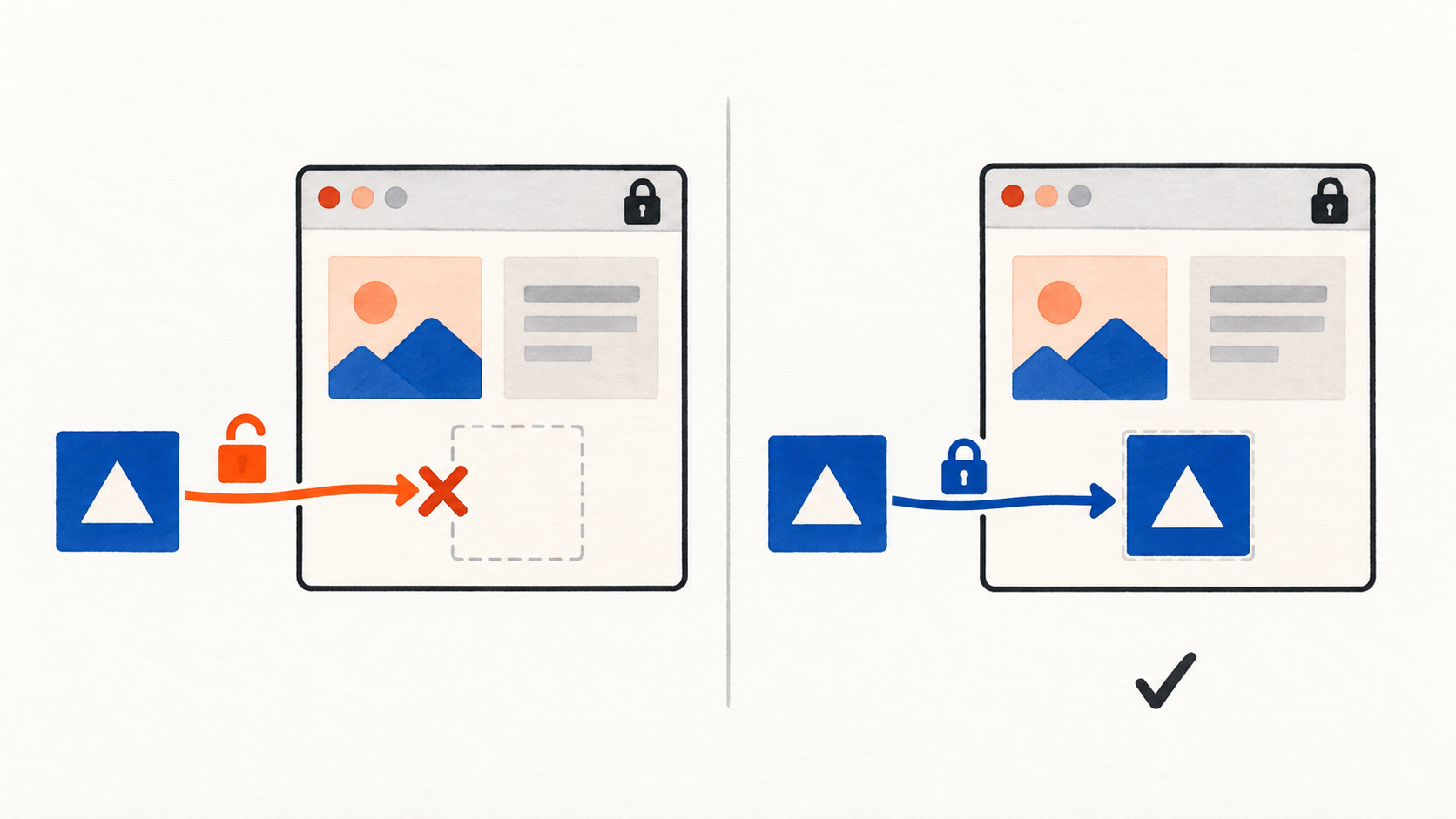
1. Classify the browser failure before comparing exits
Mixed content occurs when a secure page context requests an insecure resource. The browser may block the request or, for eligible resource types, upgrade its scheme. A successful standalone fetch does not reproduce the embedding page's browser policy. Distinguish this from a target HTTP error, proxy authentication failure or connection timeout.
Record the top-level page's final URL, browser version, failing resource type, initiator, original resolved URL, console classification and effective network URL if one exists. Preserve the page/build version and a non-secret test ID. Do not substitute an SDK's generic “proxy failure” for the actual console message.
In an HTTPS page, an HTTP script is normally blockable mixed content. Some image, audio or video requests are upgrade candidates, with important exceptions. Do not extrapolate one plain image's behavior to scripts, responsive images, CSS assets or downloads. Test the actual embedding type. Browser upgrades can fail when the resource is unavailable over HTTPS.
2. Follow the original URL and the effective request separately
A regional template, asset manifest, API configuration response or script-generated URL may introduce the insecure scheme after the main HTML loads. Inspect the initiator chain and the actual rendered element, not only a search of the initial page source. Include redirects that return a secure resource request to an insecure destination.
For each resource, distinguish source reference, resolved original URL, browser upgrade or block decision, effective network request and final response. A browser-generated upgrade is not the same event as a server redirect. When a request is blocked before transmission, an absent target log is expected evidence, not proof that the proxy lost packets.
Record any existing Content Security Policy upgrade directive, HSTS state and service-worker/cache involvement without disabling them. They can change which URL is actually attempted. A screenshot of a restored image cannot establish whether the source reference was repaired or merely upgraded at runtime.
3. Build an owned script control with a safe negative case
- Use an owned HTTPS staging page and a harmless script that sets a fresh fixture marker. No ads, transactions, customer information or real analytics events should run. Agree on the expected resource version and marker independently of the page's success message.
- Establish a positive case that references the owner's valid HTTPS asset directly. Confirm certificate validation, the intended response, the expected script version and the fresh execution marker. Keep applicable CSP, CORS and integrity controls valid.
- Prepare a separate staging page variant whose otherwise identical script reference uses HTTP. In an isolated approved baseline without an upgrade policy for that fixture, expect a mixed-content block and no fresh marker. Use an ordinary owned hostname; loopback or other specially treated local contexts are unsuitable controls.
- If existing policy upgrades the negative case, record the secure effective URL and the upgrade outcome instead. Do not weaken browser settings to force a block or claim that the script executed over HTTP.
- Correct the source reference in the reviewed page or configuration to the proper HTTPS endpoint. Rerun the positive and corrected cases; preserve the isolated negative case so the test still detects insecure references.
- Repeat through an approved baseline and one regional residential route, holding browser profile state, page/build version and session policy equivalent. Record real egress and compare the complete evidence chain.
These are expected outcomes, not claimed observations. If no baseline or suitable isolated fixture is available, state that limitation. A synthetic console message alone does not prove the browser enforced mixed-content protection.
4. Separate a scheme repair from the next failure
- Original reference is HTTP and no request leaves the browser: inspect the actual mixed-content console classification and repair the owning template/configuration.
- Browser upgrades to HTTPS but receives404 or a certificate error: validate the real secure endpoint with the owner. Replacing the scheme text is not enough if that endpoint does not serve the intended asset.
- Final URL is HTTPS but CSP, CORS, integrity or MIME validation fails: classify the new boundary separately rather than reporting mixed-content success as full application success.
- Only a regional page differs: compare generated asset origins, manifest/build versions and redirects before changing exits.
- The asset succeeds in a standalone client but not inside the page: compare embedding context and browser policy, not just response status.
For a separate policy denial, the CSP resource diagnosis guide explains that boundary. Changing the proxy's access protocol does not by itself change an HTTP URL embedded in an HTTPS page. An ordinary non-intercepting HTTPS proxy cannot rewrite the encrypted page to fix it.
5. Repair the source and keep the browser protections
Find the configuration owner and deploy a reviewed HTTPS reference to the intended asset, with its host, path and version verified. Check that secure redirects stay secure and that the corrected asset produces the independent expected result. Fix generated URLs as well as static HTML; otherwise a later regional configuration refresh can restore the defect.
Do not downgrade the main page to HTTP, disable certificate checks, enable “allow insecure content,” or use an extension that bypasses security. Do not replace an asset hostname with a raw IP as a shortcut: certificate identity and mixed-content handling can differ. An automatic upgrade is useful evidence, but the underlying insecure reference still merits correction.
Retest with equivalent initial cache and service-worker state, recording how each response was obtained. Preserve a minimal packet of evidence: fixture ID, page and asset versions, initiator, original/effective schemes, console decision, relevant redacted response information and fresh marker. Exclude cookies, authorization headers, proxy passwords and customer data.
6. Use 98IP for the regional comparison
When authorized website testing requires a residential network perspective, review the 98IP residential proxy product page and API configuration documentation, then use the access mode and parameters supported by your account. Keep the session policy stable during the controlled cases, verify actual egress and check real usage.
A proxy supplies a route; it does not override browser mixed-content rules or guarantee the target's HTTPS asset exists. Limit synthetic requests and respect the site's authorization. This procedure promises no tested performance, browser compatibility or billing outcome.
- Secure page context and actual failing resource type are recorded.
- Original reference, effective URL, upgrade/block decision and final response are distinguished.
- Positive, negative and corrected owned cases have independent expectations.
- The corrected source uses the intended valid HTTPS asset and produces a fresh result.
- CSP, CORS, integrity, certificate and MIME boundaries remain intact.
- Regional differences have page/build, egress and initiator evidence; missing evidence is not invented.
Does a working direct asset request rule out mixed content? No. It does not reproduce the secure embedding context.
Will every HTTP image load after an automatic upgrade? No. Eligibility, browser behavior and availability of the HTTPS resource must be checked for the actual element.
Can switching exits fix an insecure script reference? It does not correct that reference or browser policy. Investigate a demonstrated regional configuration difference separately.
Related Recommendations
- Proxy Bandwidth Cost Estimation: Budget by Useful Results, Not Price per GB
- How to Test HTTPS Proxy TLS and Cipher Compatibility Before Purchase
- Do Two Proxy Providers Share the Same Exit Pool? An Overlap Test
- Wrong Download Filename Through a Regional Proxy? Compare Three Naming Stages
- The Sort Label Is Right, the Products Are Wrong: A Regional Proxy Test
- How to Isolate TLS Trust Profiles in Reused Proxy Clients
- Proxy NDJSON Streams: Test Read Boundaries Before Blaming Missing Records
- How to Test SOCKS5 UDP ASSOCIATE Before Buying a Proxy Plan
- How to Run a 7-Day Residential Proxy Purchase Pilot
- Signed Download URL Returns 403 Through a Proxy? Check These Boundaries