
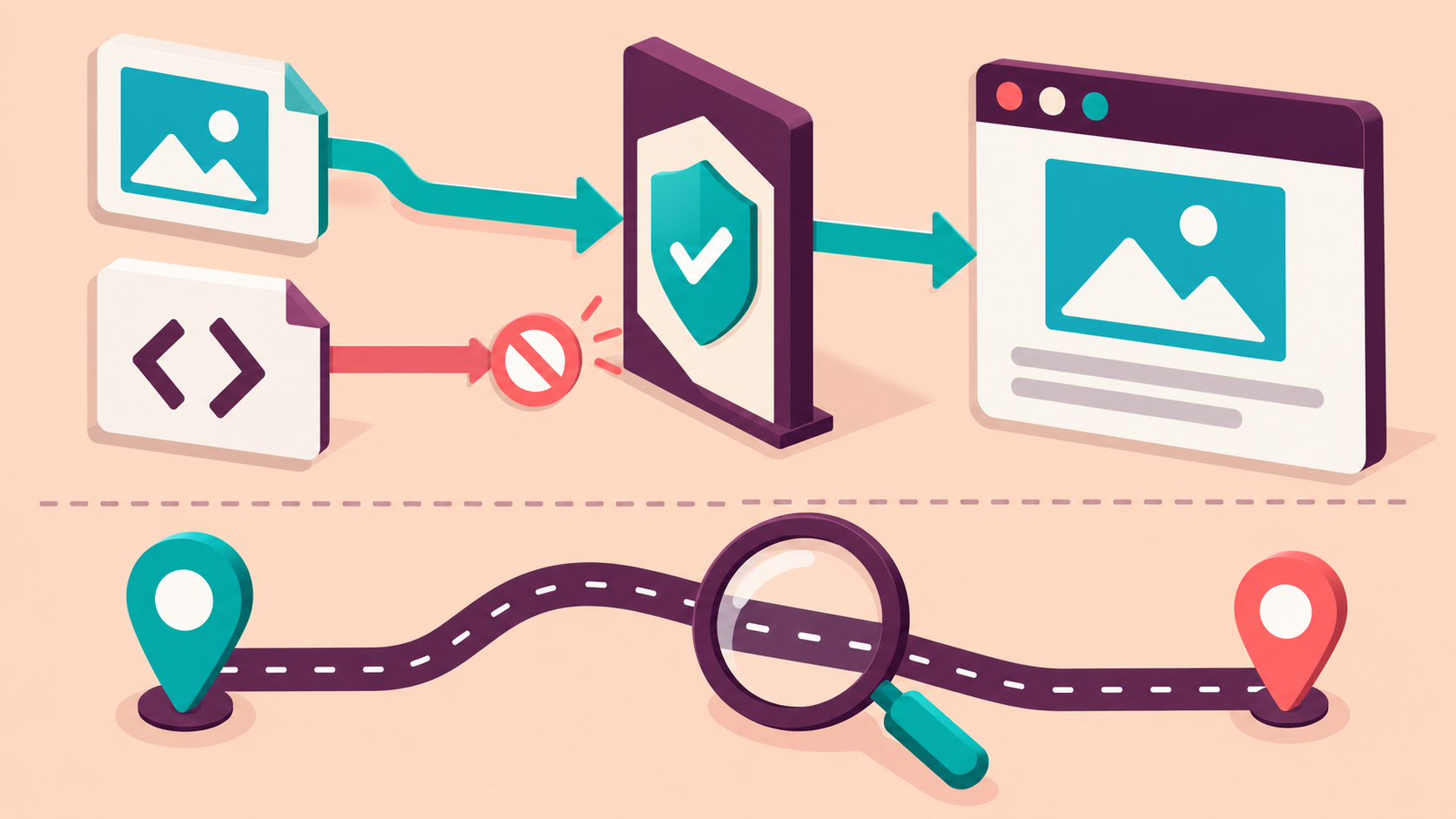
The main page returns HTTP 200, but a regional image is absent or a button never activates. Replacing the proxy may not help: the browser can refuse a resource because the page's Content Security Policy (CSP) does not permit it. During authorized regional website QA, compare the policy delivered with the page and the resource it actually requests before blaming the connection.
Capture one failure with enough context
Pick one missing resource or one reproducible interaction on a site you own or are allowed to test. Record page URL, final navigation URL, test time, browser version, account state, intended region and observed route region. Open Developer Tools before loading the page, preserve the network log and capture the relevant console entry. Redact tokens, cookies, signed query values and personal data before saving evidence.
Keep the distinction clear: the top-level document, the resource URL and the application behavior are separate observations. A direct asset fetch that succeeds does not prove the browser is allowed to load that asset into this document. A console warning alone also does not prove it caused the missing feature.
Classify the failure boundary
- An explicit enforced CSP violation identifies a browser policy restriction. Save the blocked resource and effective directive, then inspect the policy on the document that initiated it.
- A DNS, connection, TLS or proxy-authentication failure points to transport evidence. A target HTTP error needs its own interpretation; it is not a CSP violation just because the page looks broken.
- A report-only CSP message is diagnostic evidence. That policy does not itself block loading; check for a separate enforced policy or another error.
- If the request succeeds but the application still fails, inspect execution errors, integrity checks, content type and application logic. Do not merge CORS, mixed-content and CSP errors into one generic proxy failure.
Compare controlled routes and requested resources
Use a clean browser context with the same account fixture, language, viewport and page version. Compare an approved baseline route and the intended residential-proxy region. Change only the route. For each case, save the document's actual enforced and report-only policy headers, relevant policy meta element if present, resource origin, redirect destination and visible outcome.
A regional page may select a different asset host while delivering an unchanged policy. Conversely, an edge configuration may deliver different policies for the same page. Neither pattern is established by geography alone: show the actual header and URL difference. When both routes produce the same policy and resource, check the remaining browser and application evidence rather than inventing a regional cause.
Inspect the directive that applies
Match the blocked resource type to the directive named by the browser; images and scripts can be governed differently. Check the document's complete policy set rather than one convenient header. Multiple enforced policies constrain the resource together; adding a permissive policy does not cancel an existing restrictive one. A meta-delivered policy has feature limitations, so do not assume it is equivalent to every header configuration.
For scripts, an allowed host may still be insufficient when the policy uses nonces or hashes. Compare the approved deployment configuration with the HTML that was delivered; do not copy a nonce between unrelated responses or globally allow inline code as a quick fix. Redirected resources need the final URL in the evidence as well as the original request.
Fix your deployment and test the minimum change
On your own site, decide whether the unexpected resource host should be used at all. Correct a wrong regional asset mapping first. If the host is intended, have the responsible owner review the narrowly scoped policy change for that resource type. Keep unrelated restrictions intact. Do not strip CSP headers in a proxy or disable browser security to make a screenshot look healthy.
Use a reviewed report-only candidate where appropriate to inspect the proposed policy before enforcement; it does not weaken an enforced policy already present. Re-run the same regional case after deployment and inspect both the network outcome and the feature. Include a harmless disallowed fixture in an isolated test environment to confirm that the intended restriction still works. Do not load malicious test resources.
Use 98IP for regional observation
Use 98IP dynamic residential proxies when your authorized QA requires residential regional network viewpoints. Select available region and extraction settings in your account and follow the operation guides for client setup. Verify the observed route before comparing cases.
The proxy supplies a route, not permission to override a site's policy. Keep browser protections active and validate product settings instead of assuming a specific city, session lifetime or browser compatibility. This is a diagnosis plan, not a measured 98IP performance claim.
Release checklist and FAQ
- Every missing feature has a captured resource, initiating document, actual policy and classified error.
- Baseline and regional cases use controlled state; any asset-host or policy difference has direct evidence.
- The corrected page loads required approved resources, the intended feature works, and a disallowed fixture remains blocked in isolation.
- Evidence is sanitized, configuration ownership is clear and the regression test covers the affected region.
Can an HTTP 200 page still fail CSP checks? Yes. Document delivery and permission to load its dependent resources are different checks.
Will another proxy bypass CSP? Do not rely on that. Diagnose the delivered policy and requested resource; disabling protections is not an acceptance test.
Why does report-only show violations on a working page? It can describe what a candidate policy would restrict without enforcing those restrictions. Review other policies and errors before assigning the cause.
Only test owned or expressly authorized sites. Respect access rules and minimize collected data. For a third-party policy problem, provide a sanitized report through the approved channel instead of modifying or bypassing its controls.
Related Recommendations
- How to Verify Proxy Location Accuracy: Country, City, ASN and DNS Checks
- Proxy Bandwidth Cost Benchmark: Measure the Price of Useful Data
- Residential Proxy Evaluation Checklist: 7 Tests to Run Before You Buy
- Regional Pages Load Through a Proxy: Check for Unintended noindex Rules
- How to Test HTTPS Proxy TLS and Cipher Compatibility Before Purchase
- How to set up proxy IP in Edge Browser: Detailed Tutorial
- How to Test HTTP Trailer Integrity Through a Proxy
- Proxy Client Ephemeral Port Exhaustion: Diagnose Failures and Plan Capacity
- Regional Proxy Screenshots Look Incomplete? Define the Capture-Ready State
- How to set up a computer to access the Internet with dynamic IP? What is the use of dynamic proxy IP?