
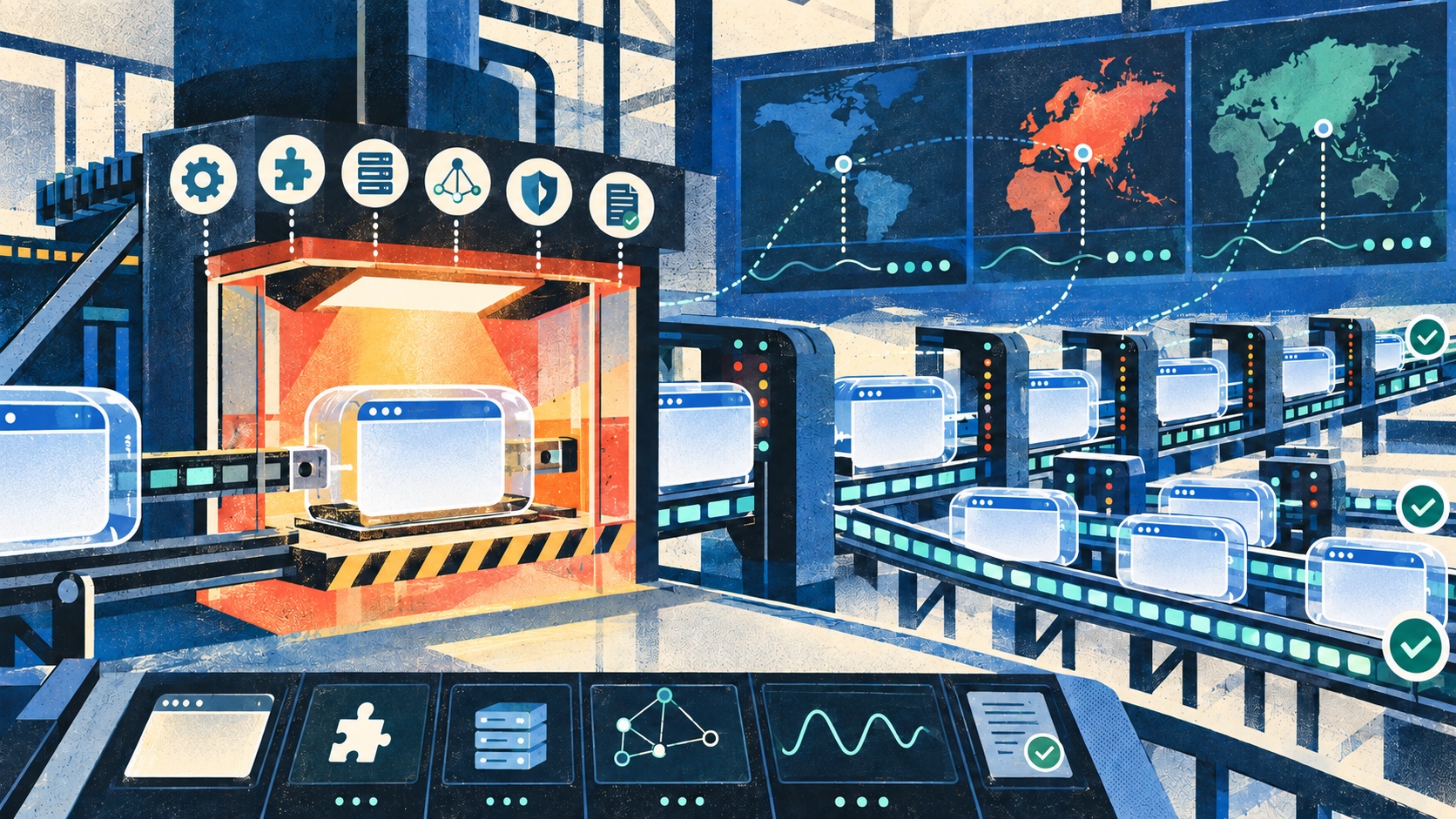
Google announced an early Stable update for Chrome 154 on September 9, 2026. The initial Windows build was 154.0.8037.17/.18, released to a small percentage of users, with Mac scheduled to follow. The release notice points to stability and performance work but does not claim a proxy-specific fix.
That distinction matters. A new browser version should not be presented as evidence that proxy behavior changed. It is, however, a clear trigger for teams running web collection, market research, ad verification and localized testing to execute a controlled browser-proxy canary before an automation fleet updates.
Pin the complete automation tuple
Record the exact components used by the canary:
- browser binary and full version;
- ChromeDriver or automation protocol version;
- Puppeteer, Selenium, Playwright or other client version;
- operating system and container image;
- headless or headed mode;
- proxy protocol, authentication mode and region;
- launch arguments, extension set and enterprise policies.
Do not allow the browser to update between baseline and candidate runs. Chrome for Testing exists specifically to provide versioned binaries for repeatable automation, and matching browser and driver artifacts reduces a major source of false diagnosis.
Never log proxy URLs containing credentials. Save a sanitized configuration fingerprint instead.
Build paired baseline and candidate cohorts
Run the current fleet version and Chrome 154 against the same authorized targets, payloads, proxy exits and concurrency. Assign each logical job to one baseline or candidate cohort and tag its telemetry.
A useful matrix contains:
- direct traffic used only as a diagnostic control;
- HTTP proxy with no authentication;
- authenticated HTTP proxy;
- SOCKS5 with local DNS;
- SOCKS5 with remote DNS when supported;
- sticky residential sessions;
- rotating sessions at the configured trigger;
- IPv4 and IPv6 paths where the product supports both.
Keep destination difficulty balanced. If the candidate receives harder pages or different regions, the comparison will not isolate the browser change.
Verify the browser really used the proxy
A successful page load does not prove the intended route. Use an endpoint you control to return the observed exit IP, address family, request identifier and region. Compare those values with the requested proxy configuration.
Also check:
- every redirect hop;
- top-level document and subresources;
- service-worker requests;
- WebSocket upgrades;
- downloads;
- browser-generated background requests that should be blocked or allowlisted.
The Chrome connection allowlist proxy test helps separate application traffic from browser background connections.
Test authentication as a browser flow
Proxy authentication can be provided by launch configuration, an extension, a browser dialog handler or an automation framework. Test the exact production mechanism.
Include valid credentials, invalid credentials, expired credentials and a controlled credential rotation. Distinguish proxy 407 responses from origin 401 responses. Confirm that the automation does not retry bad credentials indefinitely or leak origin authorization across redirects.
Capture failure phase and status class, not secrets. Use the proxy 407 troubleshooting guide to structure the evidence even when the browser client differs.
Validate DNS and TLS boundaries
Record whether DNS resolution occurs locally or through the proxy path. Test a controlled hostname change, an NXDOMAIN response and both address families. Confirm that no fallback silently bypasses the proxy.
For HTTPS, keep certificate validation enabled. Include valid certificates, a hostname mismatch and an untrusted test certificate in an environment you own. Confirm that the candidate fails safely and surfaces a stable error category.
Inspect both the proxy connection and the tunneled destination connection. A browser may reach the proxy successfully but fail during CONNECT or destination TLS.
Cover storage and identity continuity
Browser automation often depends on cookies, local storage, session storage, cache and service workers. Run these cases with a fresh profile and with an approved persisted profile.
Verify:
- SameSite and Secure cookie behavior;
- redirect chains that set or update cookies;
- session continuity through a sticky proxy;
- storage isolation between concurrent jobs;
- service-worker cache invalidation;
- cleanup after cancellation or browser crash.
Do not reuse a personal browsing profile. Use dedicated automation profiles with documented retention and access controls.
Measure the full navigation lifecycle
Define completion using workload evidence rather than one browser event. Record:
- DNS, connection, CONNECT and TLS timing when observable;
- response start and final byte;
- DOMContentLoaded and load;
- required API responses;
- a page-specific completion marker;
- screenshot or DOM digest when authorized;
- downloaded file size and digest;
- console, network and protocol errors.
Some pages never become network-idle because of analytics or streaming. Use an explicit application marker and a bounded deadline instead of waiting forever.
Exercise redirects, downloads and WebSockets
Proxy regressions frequently hide outside the initial document request. Include same-origin and cross-origin redirects, a controlled download and a WebSocket fixture if the workload uses them.
For WebSockets, validate the upgrade status, observed exit, message order, heartbeat survival and clean shutdown. The WebSocket proxy compatibility test provides a deeper matrix.
For downloads, verify filename policy, byte length, digest and temporary-file cleanup. A completed navigation does not prove a completed download.
Compare cold and warm browser workers
Run a newly launched browser, a warm browser with a fresh context and a long-lived worker that has completed many jobs. Compare memory, handles, connection reuse, proxy session continuity and cleanup time.
Increase concurrency in controlled steps rather than immediately matching fleet scale. Record queue time, successful jobs per worker-hour and resource consumption per completed result. The browser proxy concurrency plan helps define safe steps.
Inject bounded failures
Only against infrastructure you own, simulate:
- proxy connection refusal;
- 407 authentication failure;
- DNS failure;
- delayed response headers;
- stalled response body;
- 429 with Retry-After;
- connection close during download;
- WebSocket interruption;
- browser process termination.
Every case needs a deadline, one classified outcome and verified cleanup. Look for orphaned browser processes, locked profiles, leaked temporary files and retry multiplication.
Use one retry budget
The job runner, automation library, navigation helper and application code may all retry. Count attempts across layers under one logical job identifier. Retry only replay-safe work, use backoff with jitter and stop on deterministic failures such as invalid credentials or certificate rejection.
Report attempts per completed job. A stable completion rate can hide a large increase in proxy requests and cost.
Promotion gate
Promote Chrome 154 only when:
- exact browser and driver artifacts are reproducible;
- every required proxy mode preserves the intended exit;
- 407, DNS, CONNECT and TLS failures remain correctly classified;
- response, DOM and download integrity match the baseline;
- cookie and storage isolation pass;
- latency, memory and connection churn stay within agreed limits;
- WebSocket and redirect cases pass when relevant;
- cancellation and crash cleanup leave no orphaned resources;
- rollback to the pinned baseline has been rehearsed.
Start with a small percentage of workers, then expand by region and workload class. Do not update the browser, automation library, container image and proxy configuration in the same change.
Canary checklist
- Browser and driver versions pinned
- Automation framework and image fingerprint recorded
- Baseline and candidate workloads balanced
- Proxy route proven by a controlled endpoint
- HTTP, SOCKS5, sticky and rotating modes tested as applicable
- IPv4 and IPv6 separated
- 407 and 401 distinguished
- DNS and TLS failures tested safely
- Redirect, subresource, download and WebSocket routes checked
- Cookies, profiles and service workers isolated
- Response and file integrity validated
- Cold and warm workers compared
- Failure cleanup and retry budget verified
- Rollback tested
FAQ
Does the Chrome 154 announcement describe a proxy fix?
No. The early Stable notice announces the release and refers generally to stability and performance improvements. This article recommends regression testing because browser updates can affect automation behavior, not because Google announced a proxy defect.
Should the regular desktop Chrome installation be used for the canary?
For reproducible automation, a version-pinned Chrome for Testing binary and its matching driver are preferable. A self-updating desktop installation can change between runs.
Is page load success enough?
No. Verify the observed exit, subresources, redirects, authentication, DNS, TLS, storage, downloads, WebSockets and response integrity required by the workload.
Can public websites be stress-tested?
No. Use targets you own or are explicitly authorized to test. Respect terms, robots guidance, rate limits, privacy obligations and regional law.
Compliance note
Browser automation and proxies must be used only for authorized, proportionate purposes. Avoid bypassing access controls, minimize collected data, protect credentials, and maintain an auditable approval and retention policy.
Source note: Google Chrome Releases, “Early Stable Update for Desktop,” September 9, 2026. Chrome for Developers automation, Chrome for Testing and test-binary documentation reviewed September 14, 2026.
Related Recommendations
- What impact will the instability of overseas HTTP servers have? How to avoid it?
- The rise of TikTok proxy IP: Enjoy the world
- How to register and operate multiple (X)Twitter accounts
- What should I pay attention to when using the HTTP protocol to access websites abroad?
- Snapchat's Multi-Account Registration Guide: Effectively Manage Your Social Circle
- Cloudflare Gives Bot Operators Status Tracking and Editable BotBase Submissions
- curl 8.22 Treats a Proxy Port Change as a New Proxy
- Google Reverse Proxy Service
- Can ip agents solve the game page jam problem?
- How to query the IP address in Win11 system